More than a decade ago, I started experiencing pain in my right hand, without realizing at first that it had anything to do with my keyboard.
It wasn’t until the pain eased whenever I took a break from typing that I identified the culprit: Carpal Tunnel Syndrome. The pain was especially sharp when pressing the backspace key, an awkward reach that strained my wrist.
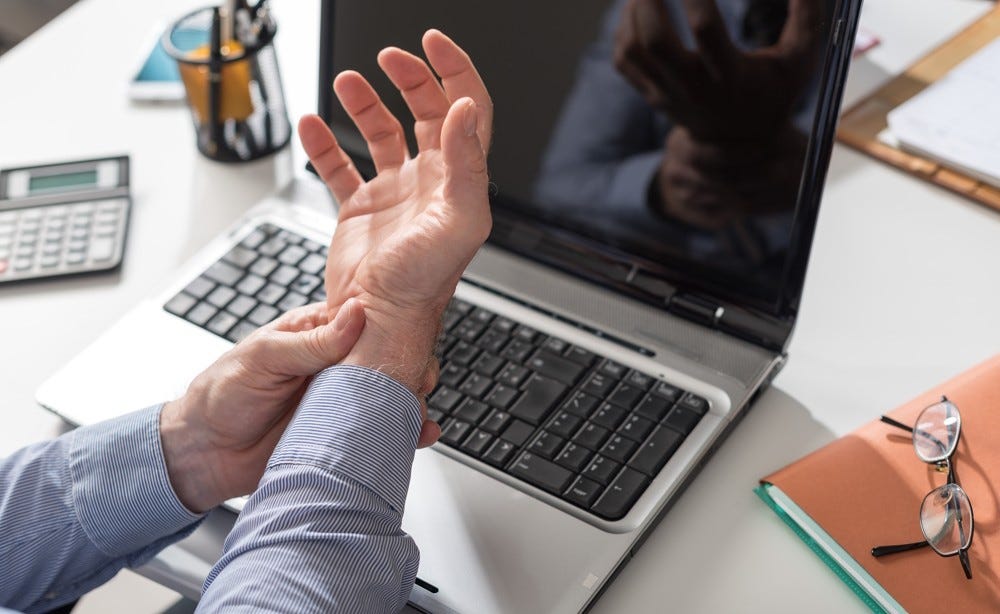
As a software and systems engineer, typing is central to my daily routine, so this was a serious concern. My search for a solution led me to the Dvorak layout, which promised efficiency and comfort.
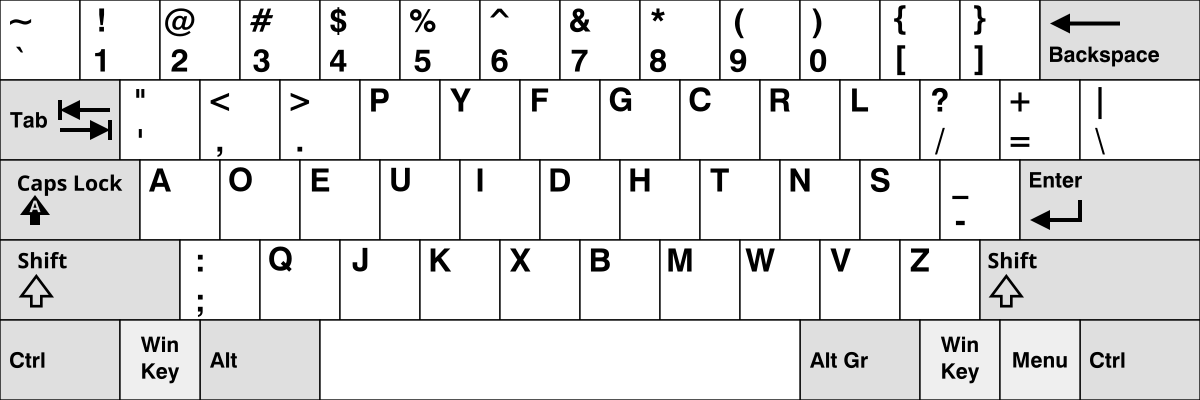
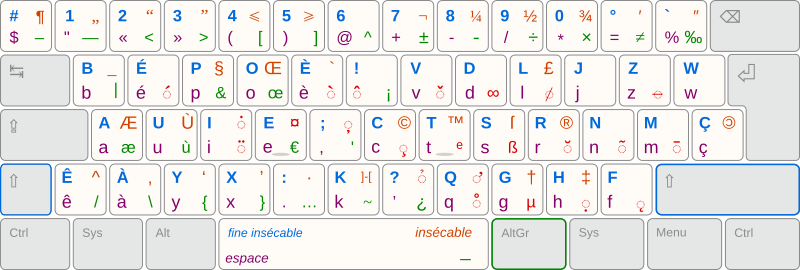
However, it fell short on French characters like é, è, and à, which I need for my work. That’s when I discovered the Bépo layout, a French adaptation of Dvorak.
Eager to alleviate my discomfort, I attempted to switch to Bépo on my Corsair K70 keyboard.
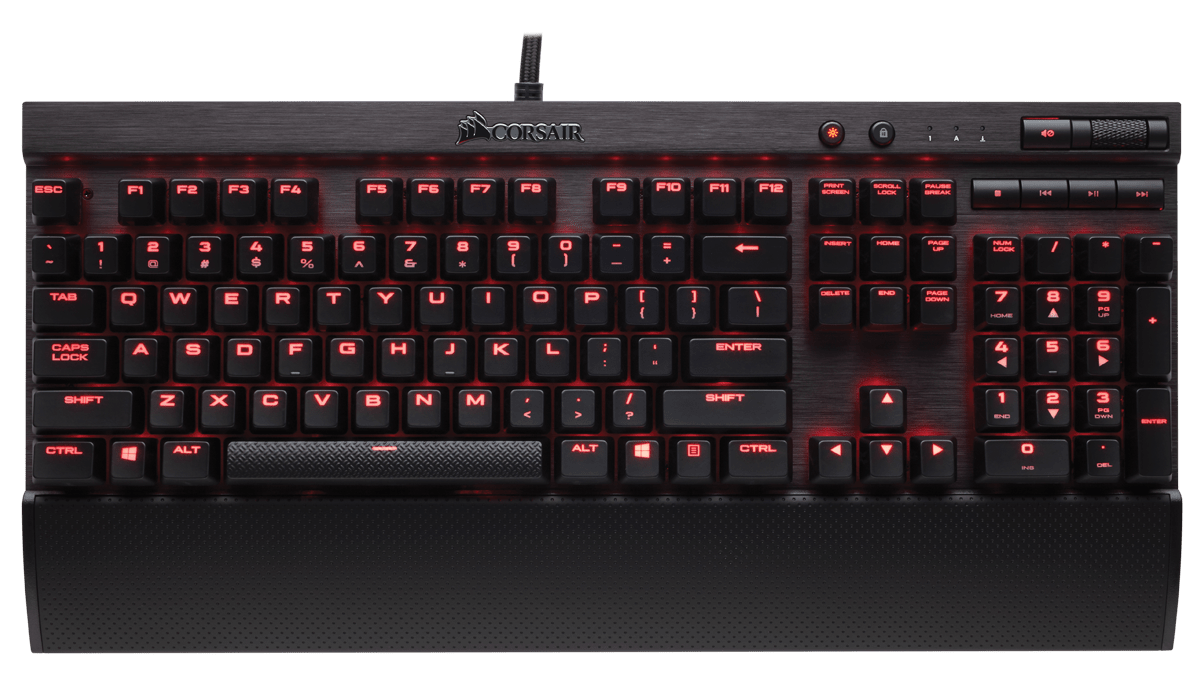
However, I ran into two significant challenges:
- The keyboard did nothing to fix the backspace key straining my wrist.
- Adapting to a new layout on QWERTY-printed keycaps proved to be a daunting task.
After weeks of effort, I abandoned Bépo due to severe headaches, slow typing speeds, and persistent hand pain.
It wasn’t until I discovered the TypeMatrix keyboard, which supports Bépo and features centrally located return and backspace keys, that I saw a glimmer of hope.
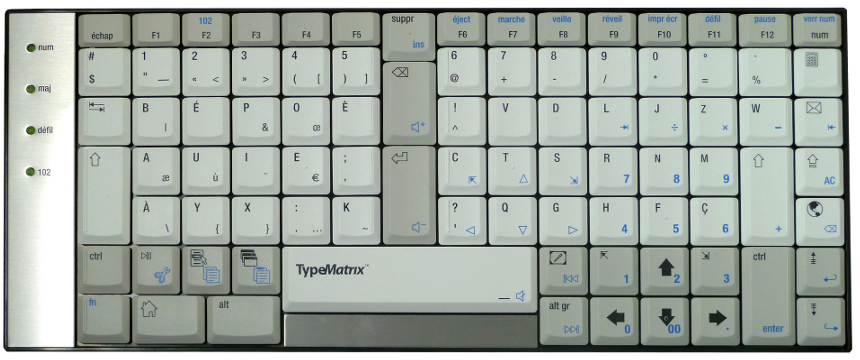
I was genuinely excited to try it! Having the return and backspace keys in the middle of the keyboard felt like a small revelation, and the fact that every keycap sits in a straight vertical and horizontal grid turned out to be surprisingly ergonomic.
But I just couldn’t make it work. My main issues with this keyboard were:
- Too small
- Too flat
I made some progress adapting to it, though it was never entirely comfortable. As I got more accustomed to the Bépo layout, things eased up a bit, but my typing speed stayed limited, and I never felt truly at ease with the keyboard.
I came across an interesting point somewhere (I can’t recall where) arguing that printed keys actually work against you when learning a new layout. The reasoning: every time you forget a key’s location and glance down at the keyboard, you lean on that visual crutch instead of memory, which only prolongs how long it takes your brain to spatially memorize the layout.
So I started practicing touch typing, and it worked: my familiarity with the keyboard improved noticeably. Still, I needed to find a way to push my comfort and speed further.
After extensive research, I stumbled upon the Kinesis Advantage 2 keyboard. Initially, I was hesitant, but the more I learned about it, the more it made sense to give it a try.
Something happened.
Its alien-like appearance was startling at first, yet it proved incredibly comfortable. I spent weeks retraining myself on the Bépo layout, and almost miraculously, it all clicked into place.
I’ve significantly increased my typing speed beyond what I achieved with QWERTY, and my pain has disappeared!
I can confidently say that after more than 10 years of use, this keyboard has not only saved my career but also my health. At first, I was hesitant to buy it given the price (~$350), but it turned out to be the best decision I’ve made for my work.
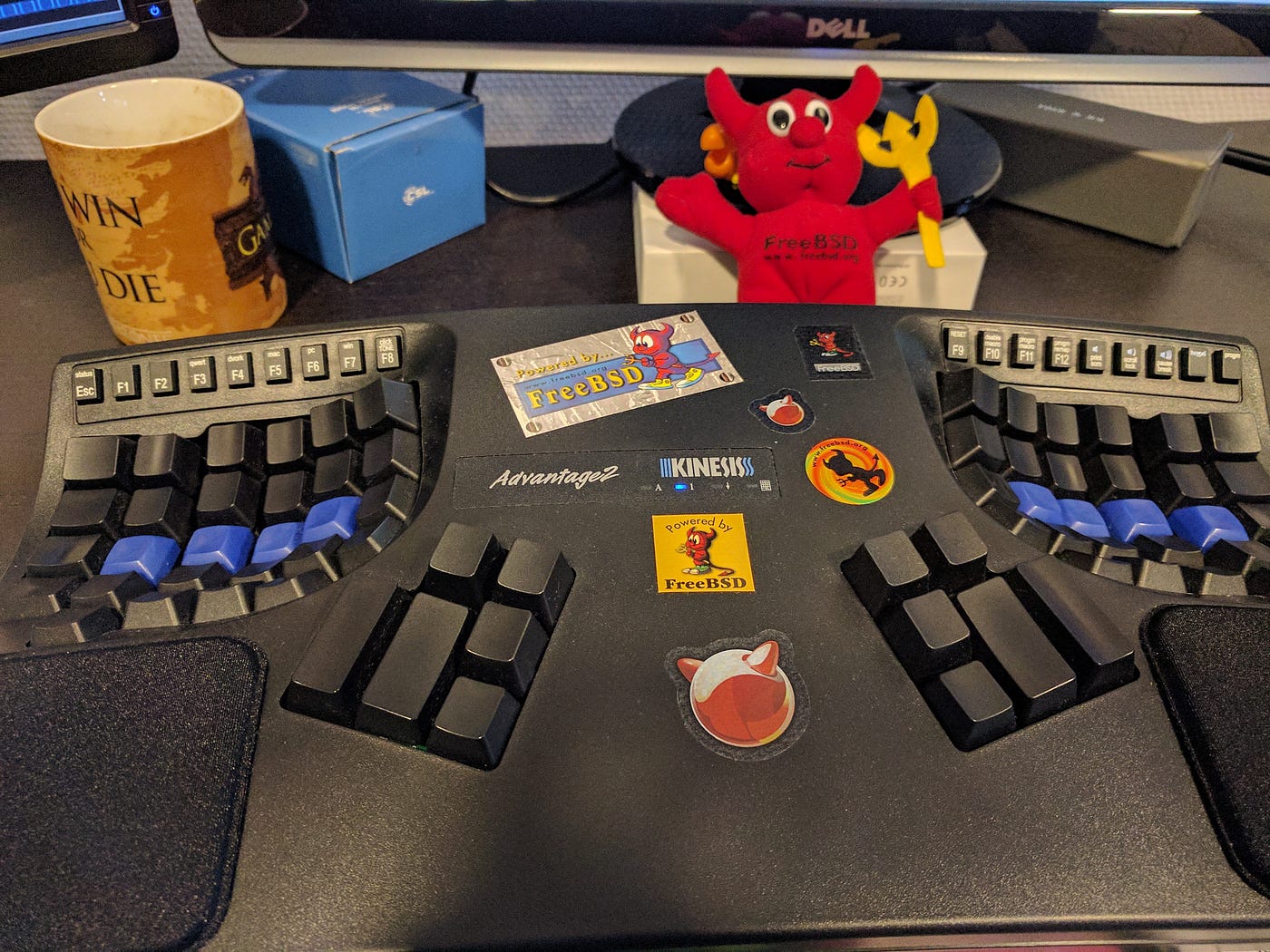
Sometimes, a small change can lead to significant gains.
Thanks for reading! :)